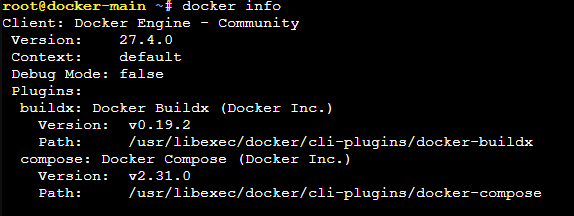
Docker in an unprivileged LXC Proxmox
A great way to get docker up and running easily would be to install it in an LXC.
A great way to get docker up and running easily would be to install it in an LXC.
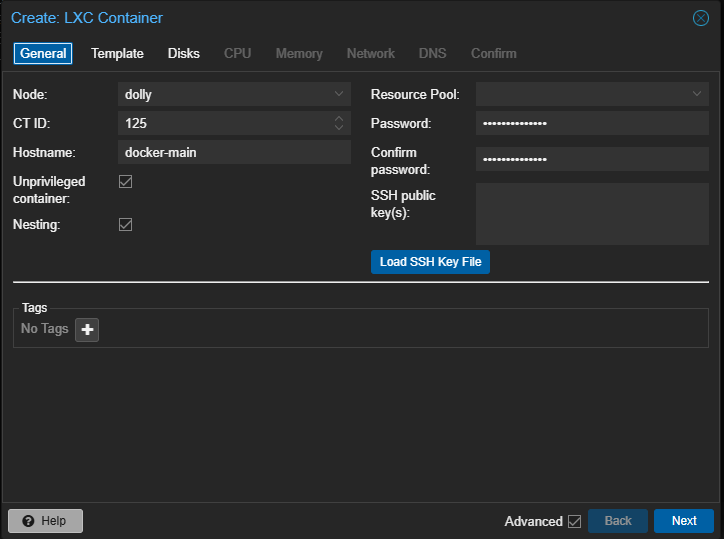
Start by creating the LXC container normally
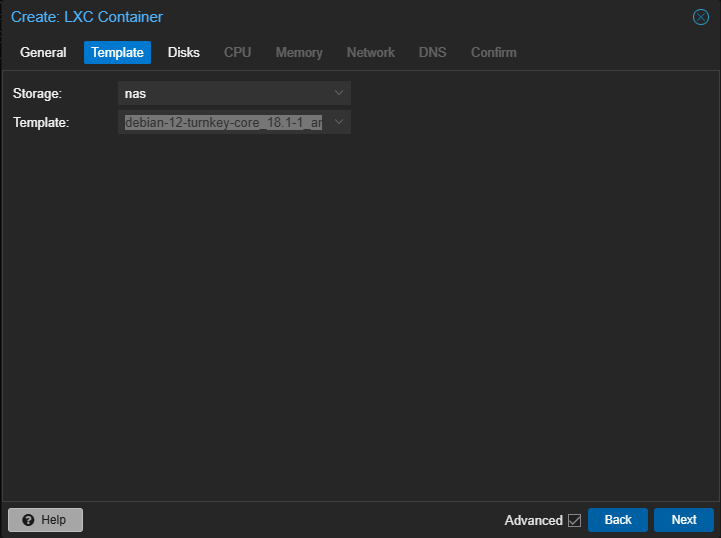
I'll be using debian-12-turnkey-core_18.1-1 as the base since it updates the linux packages for me, but you can use any template
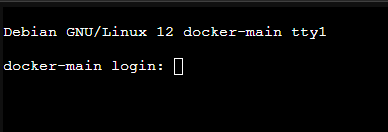
Once you finish customizing the LXC, start it up and it should prompt you to login
After Logging in, you should see the turnkey configuration. I like to do Skip, Skip, Install
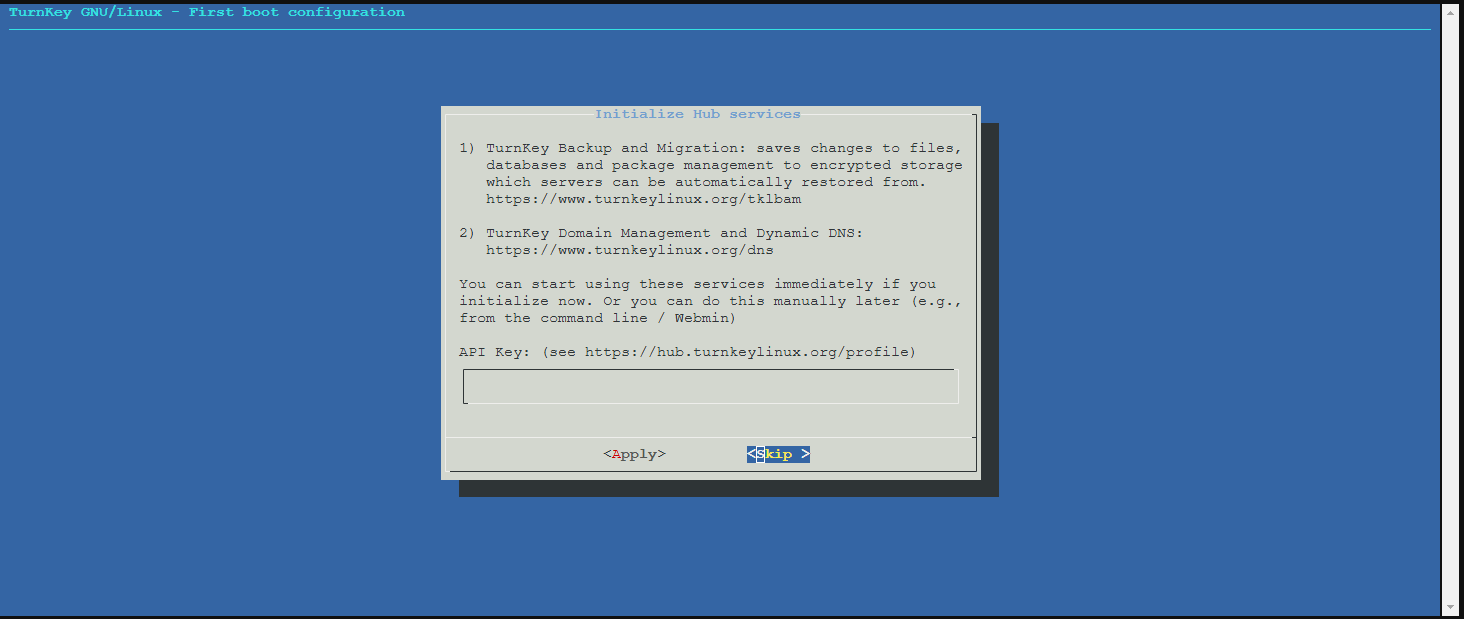
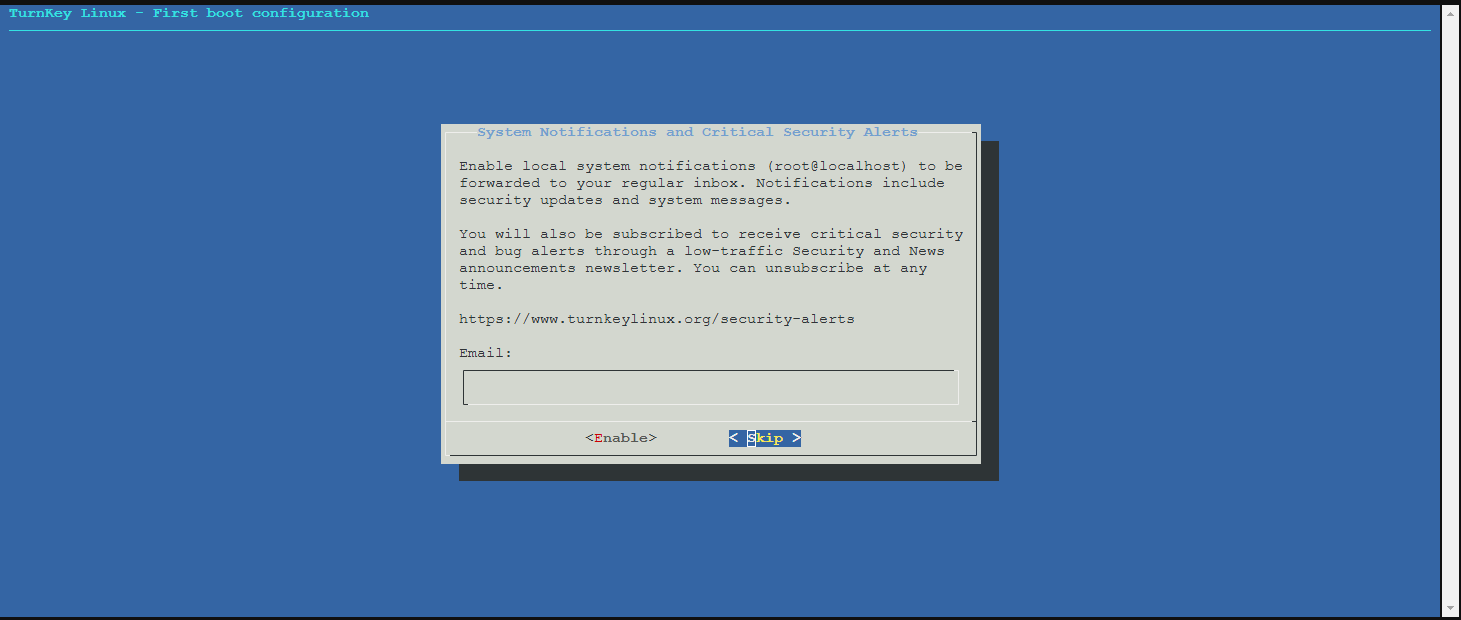
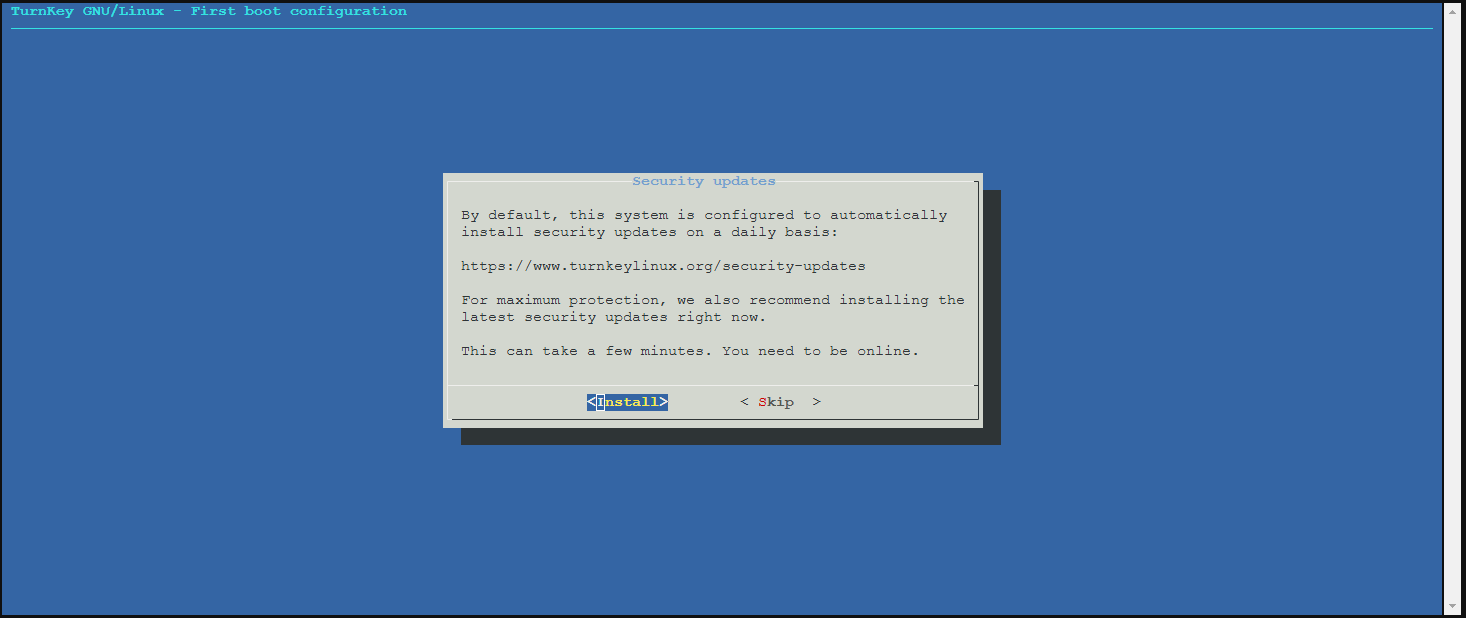
Once done, quit the configuration
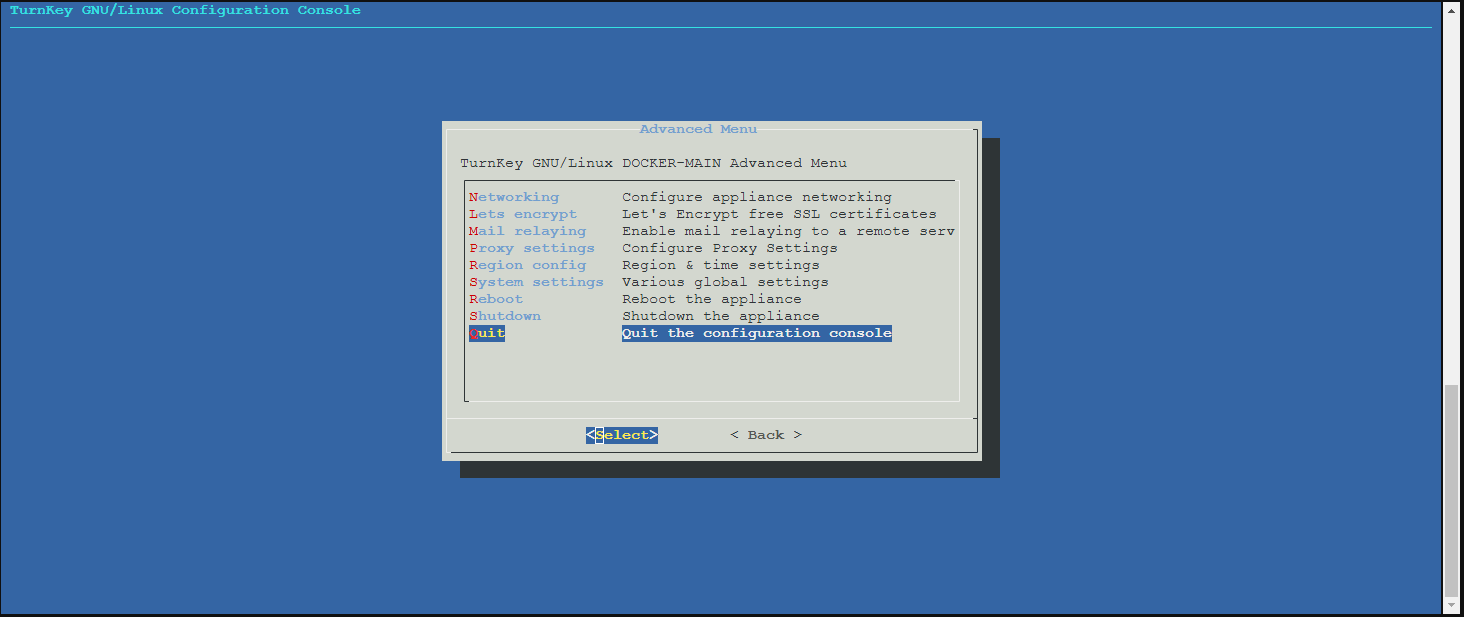
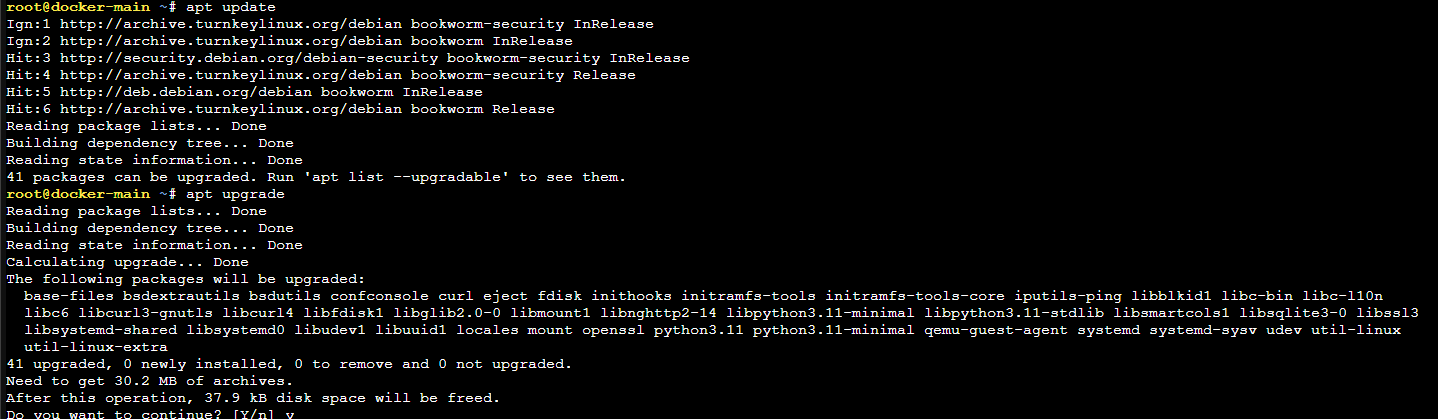
now is a good time to install package updates
apt updateapt upgrade -y
Install dependencies and add docker's official GPG key
apt install ca-certificates curlinstall -m 0755 -d /etc/apt/keyringscurl -fsSL https://download.docker.com/linux/debian/gpg -o /etc/apt/keyrings/docker.ascchmod a+r /etc/apt/keyrings/docker.asc
Add the repository to Apt sources:
echo \"deb [arch=$(dpkg --print-architecture) signed-by=/etc/apt/keyrings/docker.asc] https://download.docker.com/linux/debian \$(. /etc/os-release && echo "$VERSION_CODENAME") stable" | \tee /etc/apt/sources.list.d/docker.list > /dev/nullapt-get update
Install Docker Packages:
apt-get install docker-ce docker-ce-cli containerd.io docker-buildx-plugin docker-compose-plugin
You should now have docker installed! You can check by running
docker info